

Seats.aero is a favorite tool among passionate award travel enthusiasts. Greg has previously called it “a wonderfully nerdy tool”. That wonderfully nerdy tool now has a Google Chrome extension that can make it incredibly valuable for looking at award flights side by side with Google Flights cash prices. I installed the extension, and I have it running alongside Points Path. An early look indicates that this is a really nice add, but look for a separate post for a deeper-dive comparison. Pro members receive live award pricing, while free users can view cached availability for flights up to 60 days in advance.
In addition to that, Seats.aero is making some significant updates to the search interface and adding card member pricing for Pro subscribers, which should show discounted pricing for United and Delta cardholders.
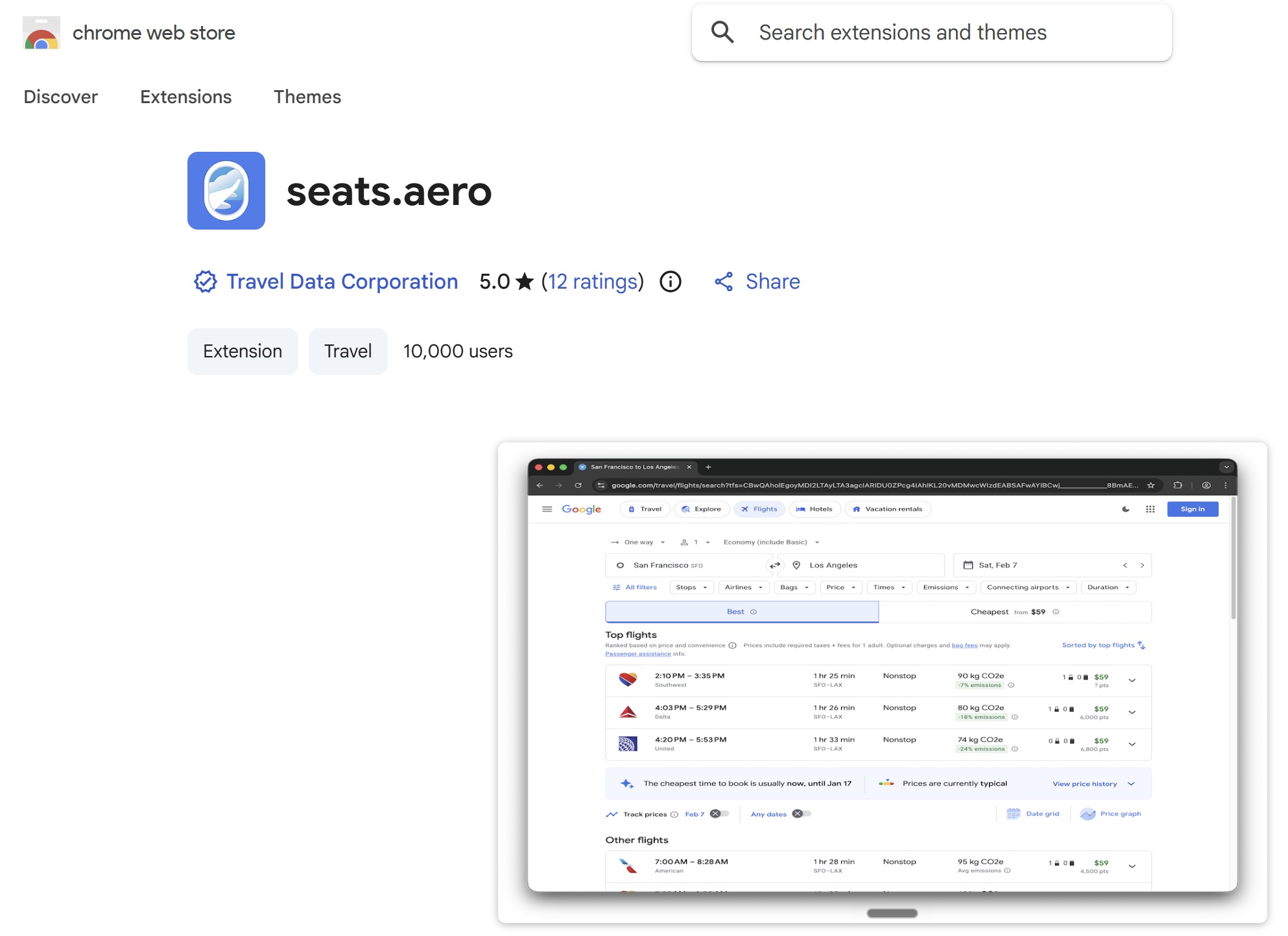
Seats.aero adds Chrome browser extension
Installing the extension was simple enough. I went to seats.aero extension in the Chrome Web Store and installed the extension with a few clicks. From there, I was off and running. I went to Google Flights and ran a couple of flight searches and immediately saw the Seats.aero information directly below flight prices.
I was initially thrown off by a pop-up that offers the ability to filter to your chosen criteria. It took me a second to realize that all I needed to do was click on the airplane window logo in the bottom right to minimize that pop-up.

However, many folks are likely to find the filters shown in that pop-up to be useful. For instance, you can set a maximum point price or filter to a particular program if you’re looking to tailor search results.

As noted at the top, I expect we will have a deeper dive comparison sometime soon, but at first glance one thing I noticed is that, by default, Points Path and Seats.aero prioritize award pricing differently. I’m sure this is something you can tweak in settings, but notice how in the screenshot below, Points Path displays a best price of 57,500 miles (in blue with the taxes & fees of $755), whereas Seats.aero displays a price of 55,000 miles (without mention of taxes & fees by default). That’s because Points Path shows the American Airlines award price by default, whereas Seats.aero displays the Alaska Atmos award price by default.

The difference here is that Alaska Atmos charges fewer miles, but American Airlines charges significantly less in surcharges.

Which of those results would be the better deal to you likely depends on a matter of perspective, and I’m sure that you can tweak settings to prioritize one or the other.
I have to admit though that I do like the way that the Seats.aero award pricing box pops up in the middle between the cash price at the top and the cash booking options at the bottom once you click through on an individual flight. I very much look forward to continuing to dig into this and compare the two tools.
Redesigned Search Experience, cardholder pricing being rolled out
Seats.aero also announced today that they are launching a redesigned search experience, which is rolling out in phases. It is expected that all users will have the new search interface “by early August”.
From seats.aero:
The updated search interface introduces new tools for comparing award options, including:
New sorting options, including Cheapest by Date and Cheapest Direct
Enhanced filters for connection airports, aircraft type, departure and arrival times, fare codes and flight duration
Expanded flight details, including transfer partner previews, historical pricing charts and one-click price drop alerts
Customizable results, allowing users to hide cabin classes, prioritize preferred airports and switch between city names and airport codes
I don’t yet see this new search interface in my account, but we will certainly keep our eye out for changes as they launch.
In addition to the newly launching search interface, pro members can now activate United or Delta card member pricing in their Seats.aero profile in order to see pricing exclusively available to cardholders and search results. That’s a really nice addition for those with an airline card that gives them access to preferential pricing.
 Want to learn more about miles and points? Subscribe to email updates or check out our podcast on your favorite podcast platform.



It’s great, only gripe is though I have the Delta card setting turned on in seats.aero settings, it isn’t showing the lower price I’m seeing with Points Path. Maybe I missed something, but hopefully it’s just an error soon to be fixed.